
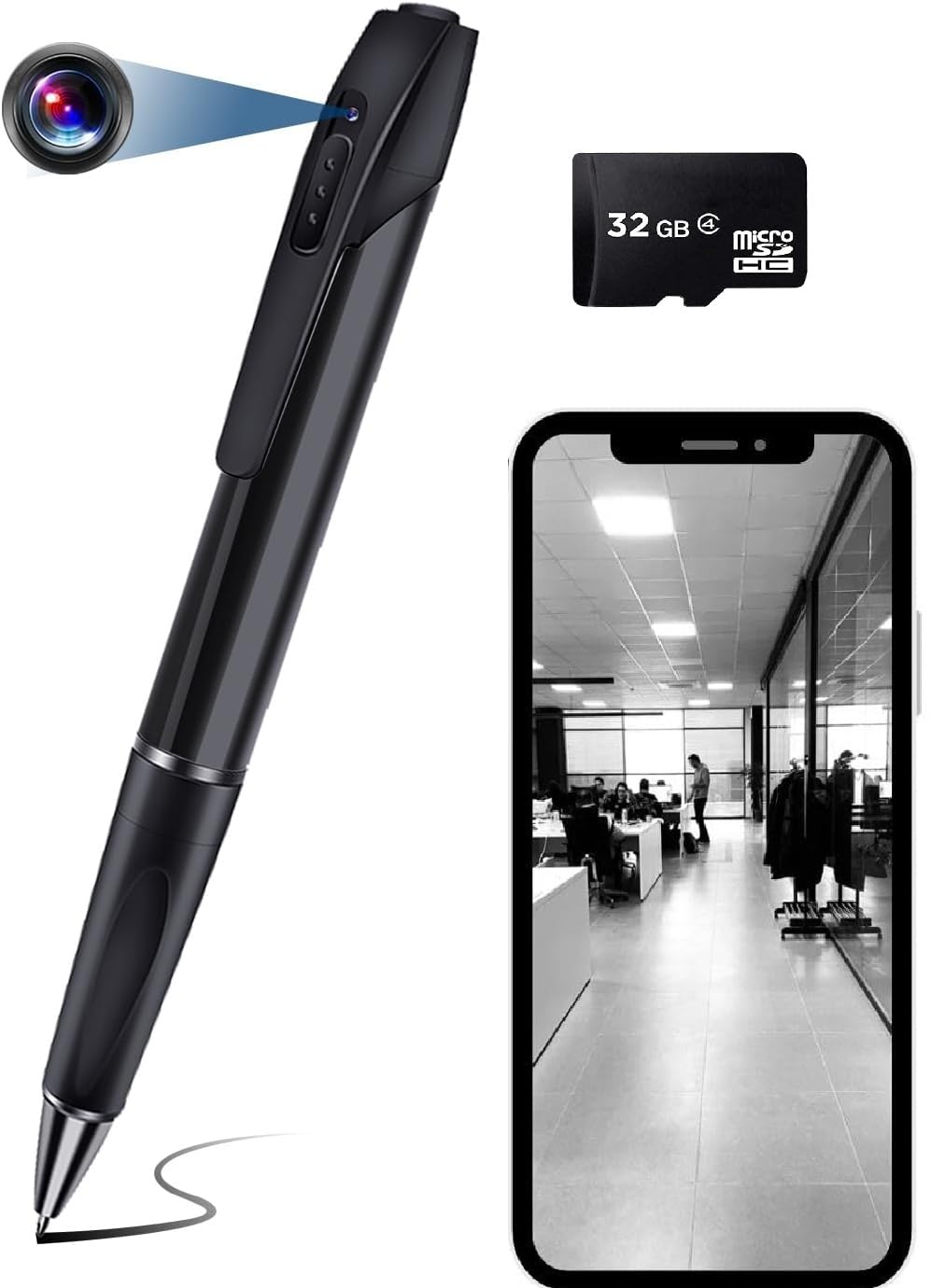






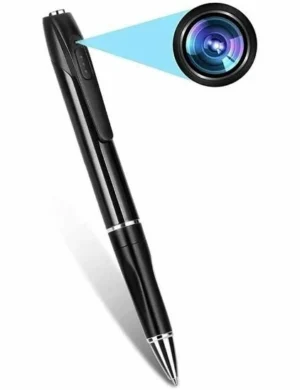
Pen Camera With Video Audio Recording Voice Quality
- 1 Year Replacement Warranty :
- Estimated Delivery : Up to 4 business days
- Free Shipping & Returns : on all orders
Pen Camera With Video Audio Recording Voice Quality
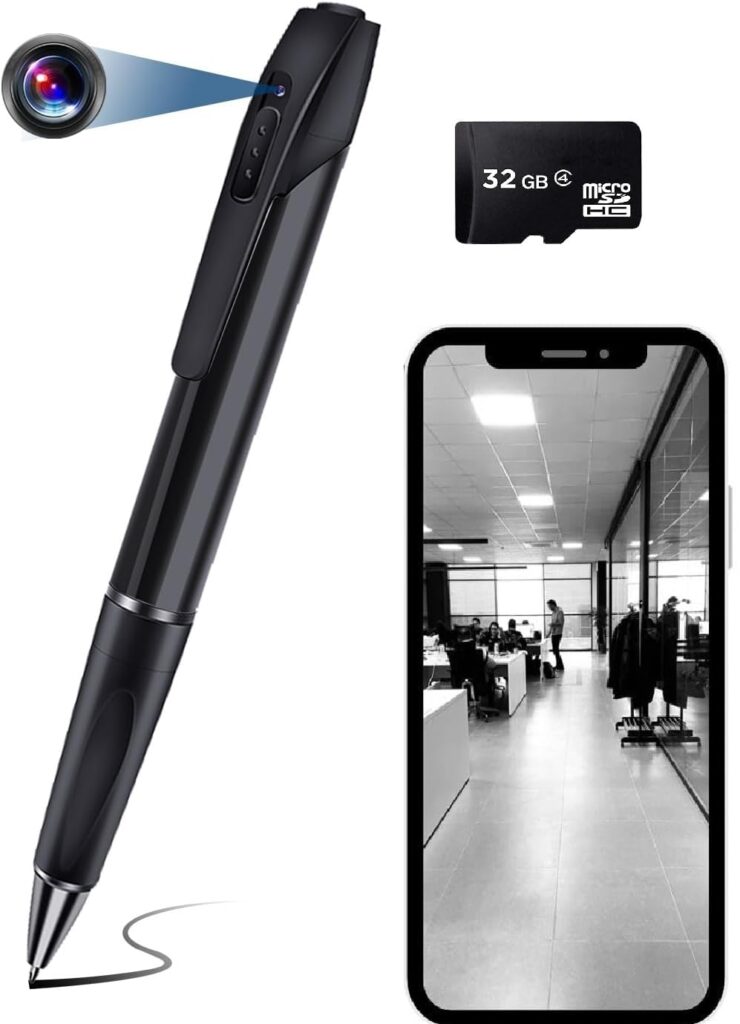
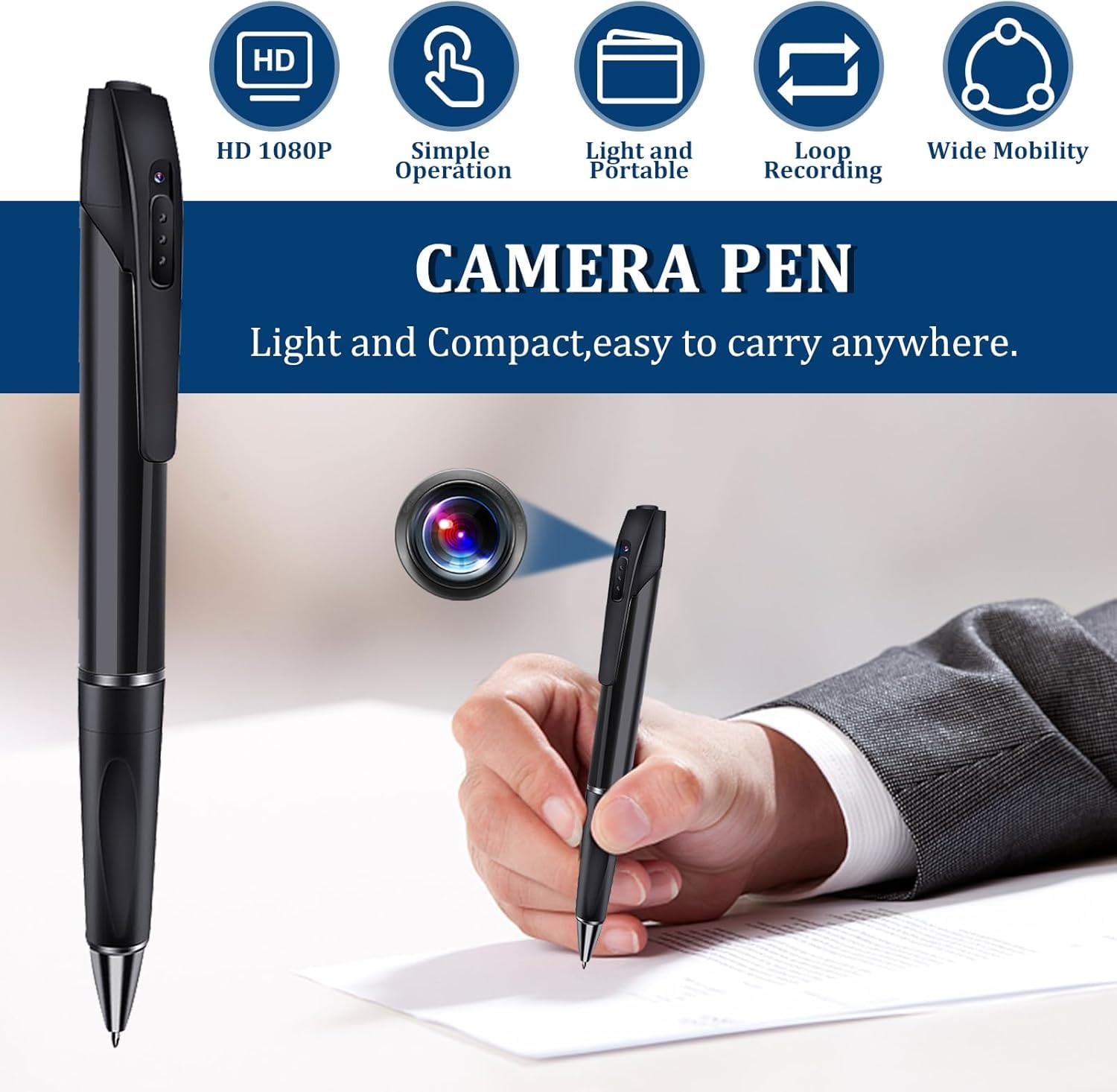
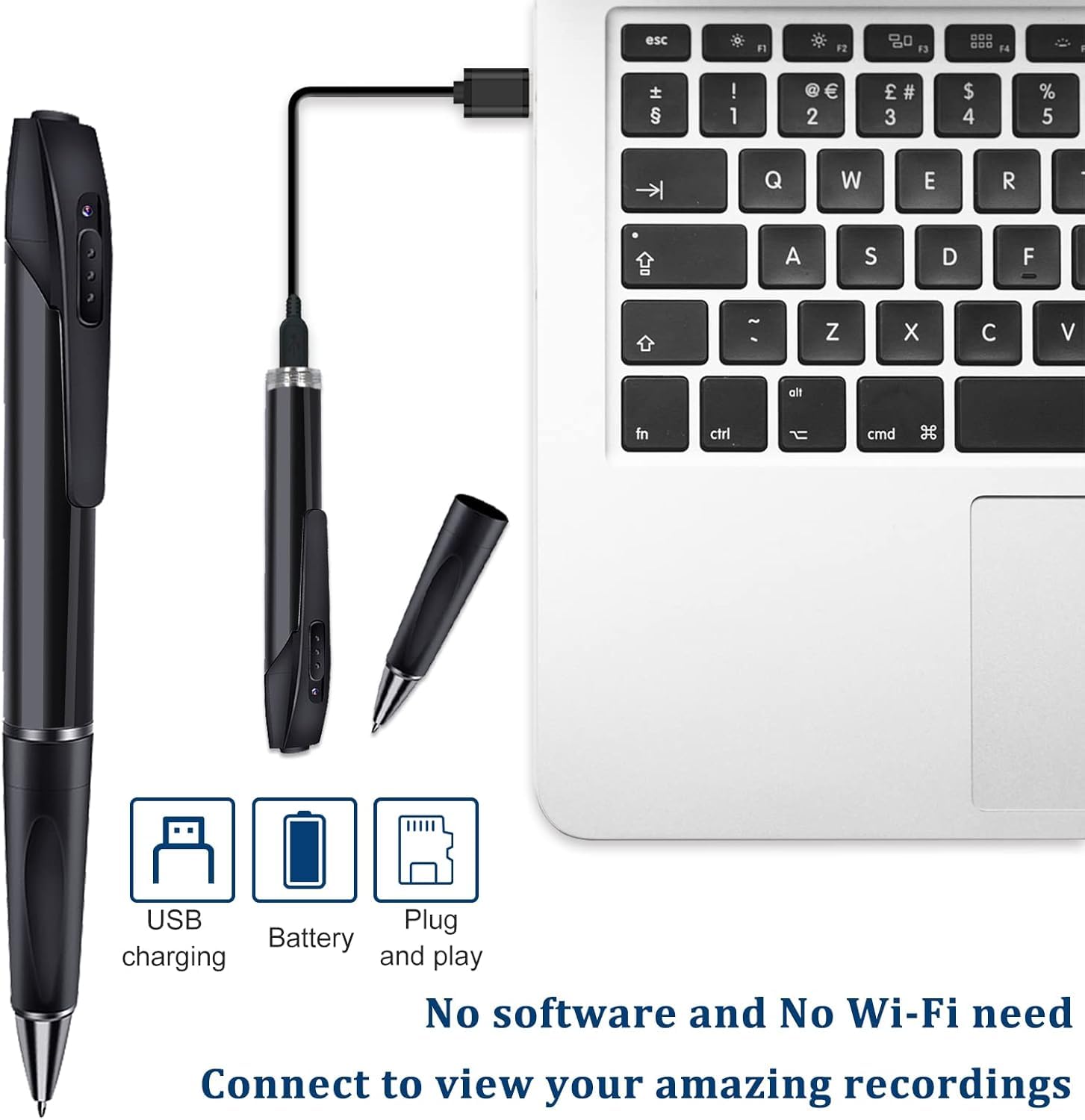
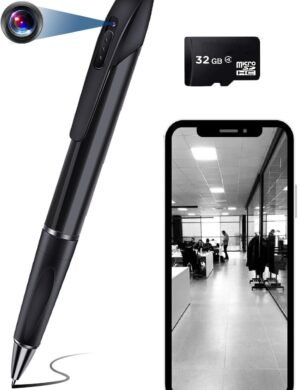
- This pen camera has a high video resolution of 1920px x 1080px and saves them in the AVI format
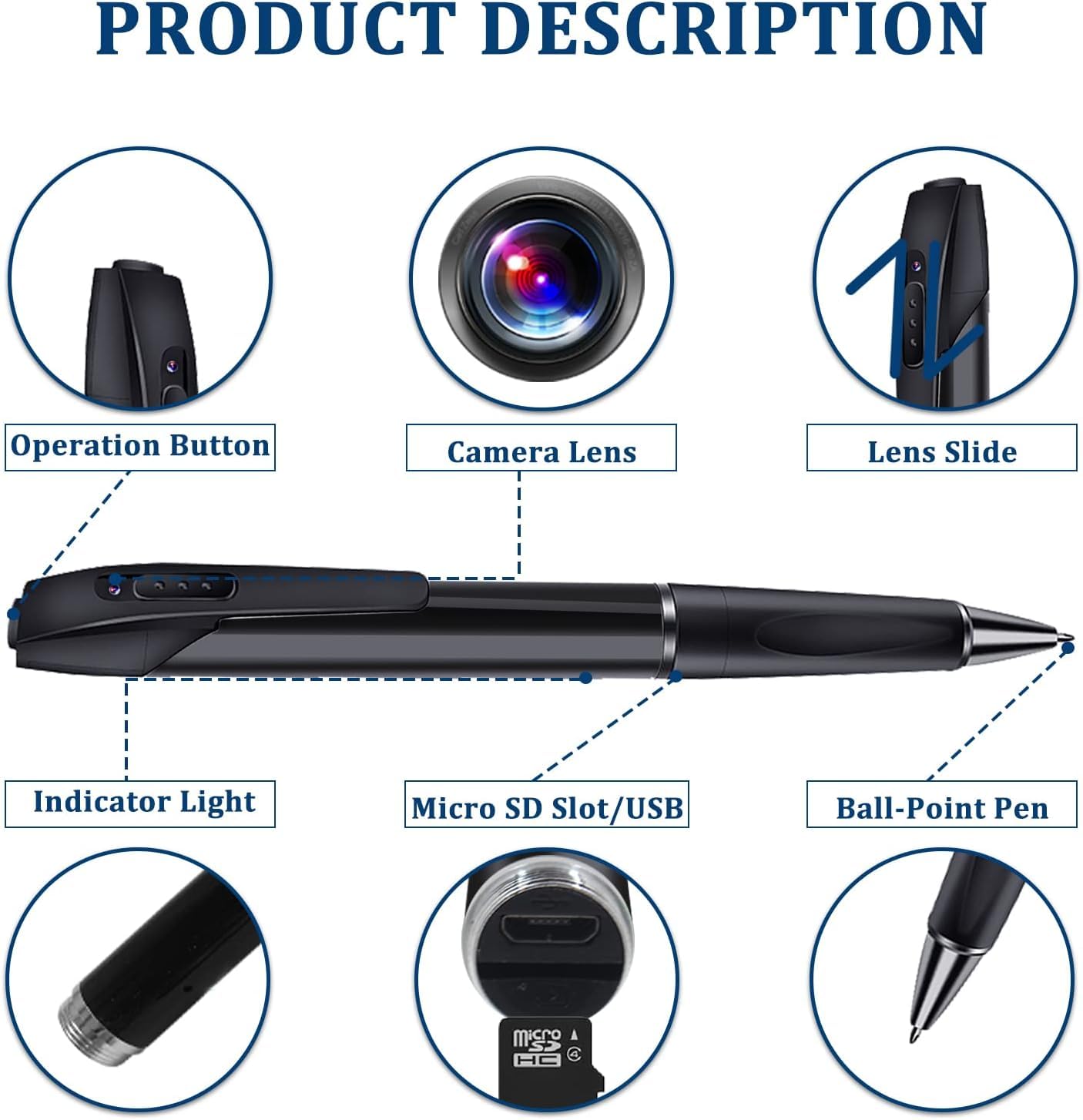
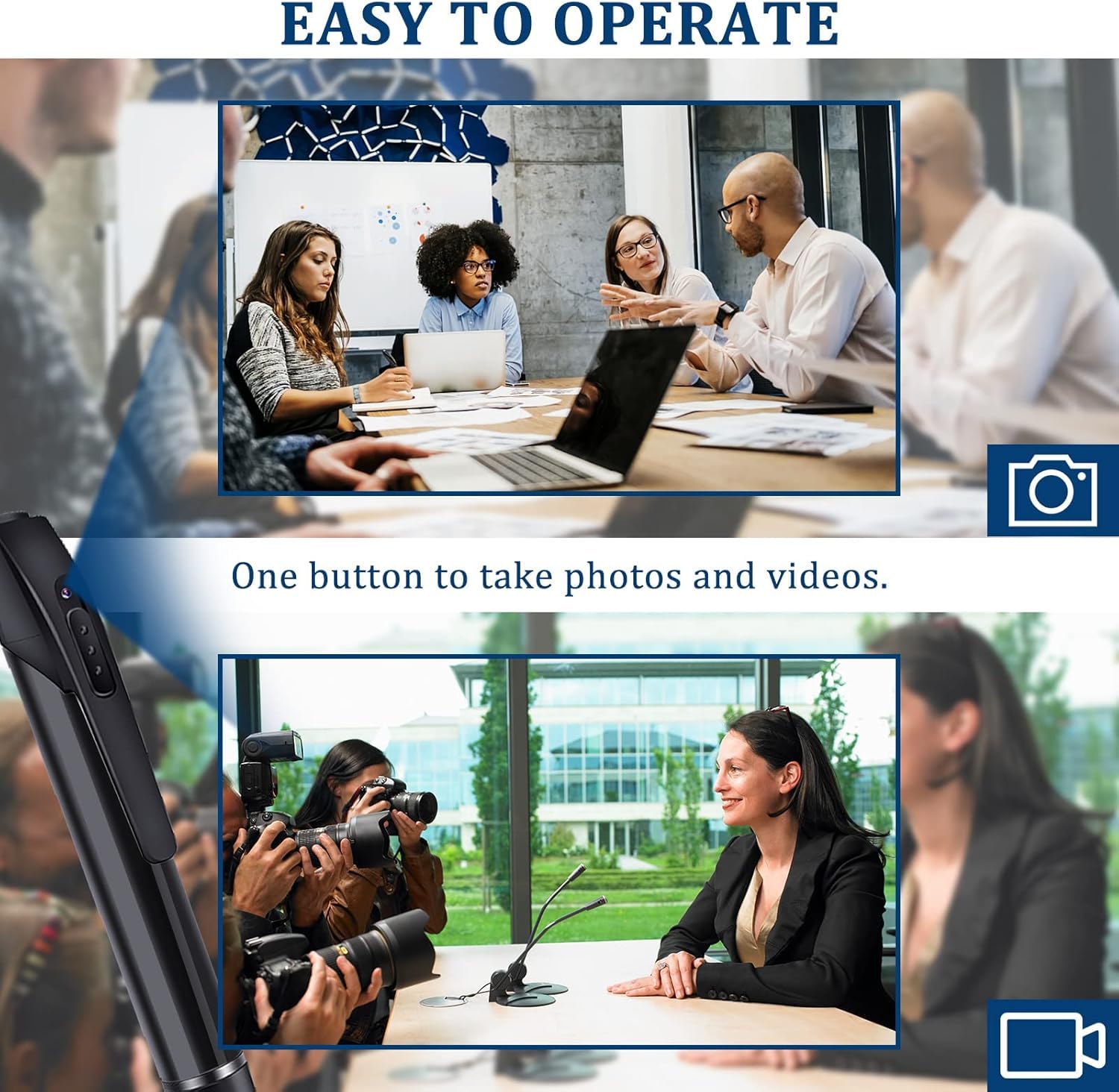
- It has a record button on the top that can be used to click pictures or to start or stop recording a video. You can easily switch from still camera to video mode, with one click of this button.
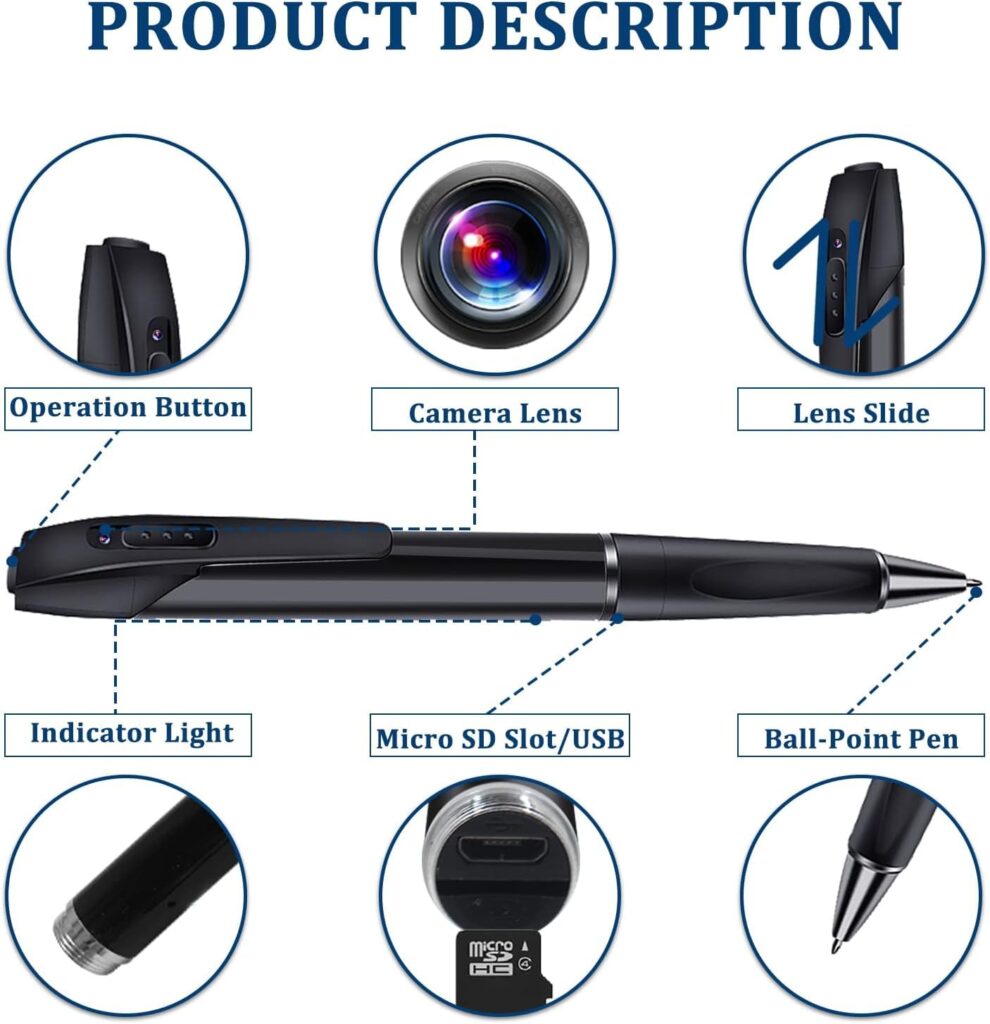
- The awesome pen has a slot for your micro SD card. You can easily transfer your media files on to your computer, as the gadget has its own inbuilt USB port.
- The gold-and-black combo gives the video camera pen a very stylish and classy look. With such features, the pen is a handy and necessary accessory, especially if you are a journalist or investigator.
- The USB device also charges the gadget, while attached to your computer/Mobile Charger/Laptop
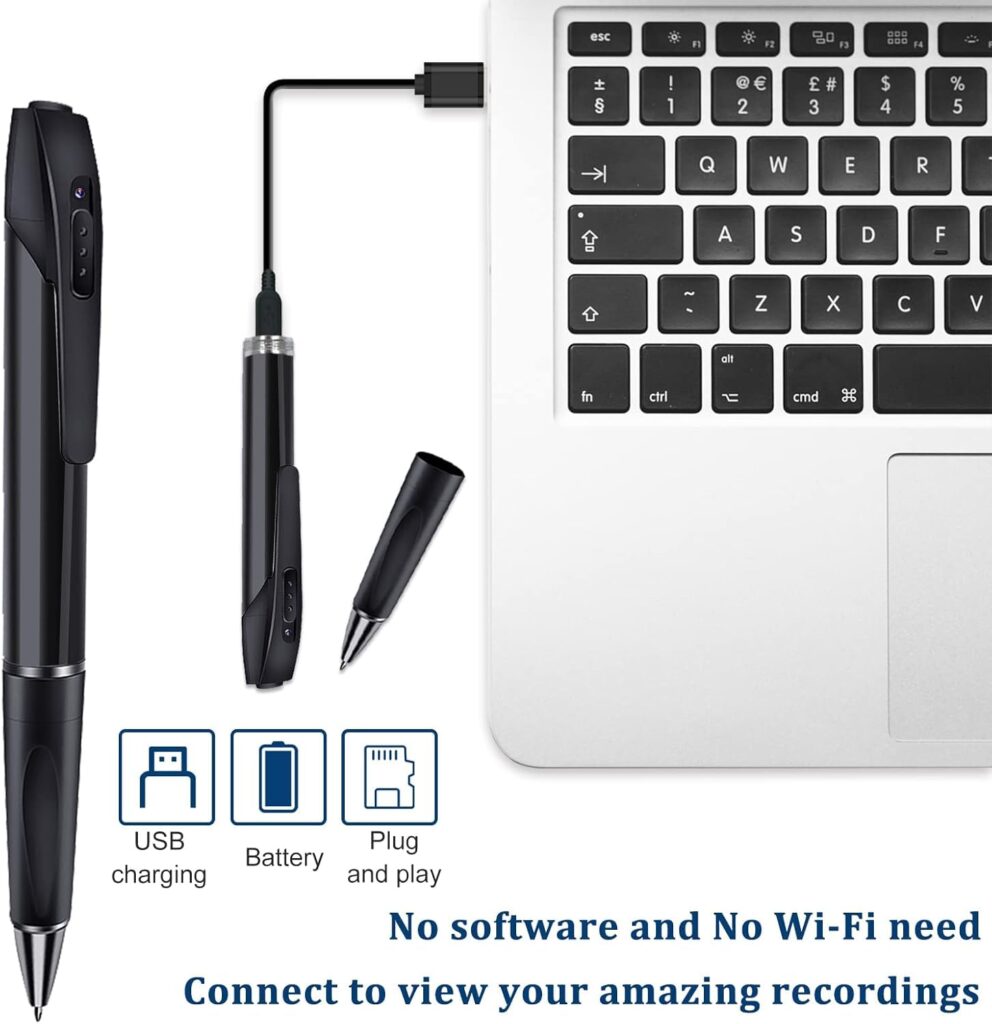
1080p HD PEN CAMERA. Charging Your Pen (First time only, charge for 3 hours.) Plug the USB cable into the pen and plug the other end into your computer. (see diagram). Your pen’s light will blink while charging. Once the blinking light turns solid, your pen is fully charged. Disconnect the Cam Pen once the charge is complete. A full charge should accommodate about 1.5 hours of recording time. Insert the Micro SD Memory Card Gently, yet firmly slide the micro SD card into your pen slot. You should feel resistance when your micro SD card is fully inserted into the pen. Approximately 1/8″ of the micro SD card will be visible when it’s inserted correctly. Power up the Cam Pen by pressing the on/Off Button on the top of the pen for 3 seconds. (To power off, press on/Off Button for 3 seconds.) Check the status light to ensure the Cam Pen has powered up properly. It will display a solid green LED light to indicate that the Cam Pen is on and ready to record or take a photo. (Solid green light indicates Ready Mode.) Start recording with the Cam Pen by pressing the on/Off Button on the top of the pen for 2 seconds. Check the status light. The LED will blink several times to indicate that recording is about to begin. Once recording begins, the light goes out (or a dim, delayed blinking light may occur) so it does not attract attention during a covert recording session. To stop recording, administer one quick tap to the on/Off Button on the top of the pen. The green LED status light will illuminate to indicate the Cam Pen is in Ready Mode and prepared to take a photo or resume recording. Take a still photo by administering one quick tap to the on/Off Button on the top of the pen. The green LED status light will blink once to indicate that it has captured the photograph.
Only logged in customers who have purchased this product may write a review.
Related products
-
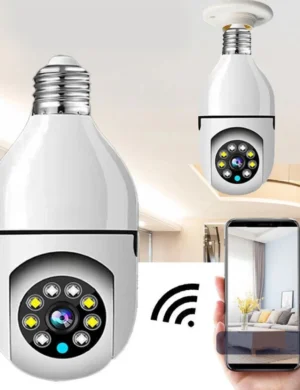
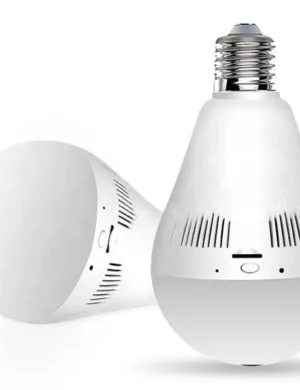
1080p HD Bulb Light IP Camera,Fish Eye 360 Degree Panoramic Mini Lamp IR CCTV Indoor Home Security Camera, Motion Detection, Ptz Camera (Cloud Camera) White (WiFi Camera BH)
Original price was: ₹4,999.₹1,799Current price is: ₹1,799. -
1080P Bulb Shape Fisheye 360° Panoramic Wireless Wifi IP CCTV Security Camera (7 Days Warranty) (Copy)
Original price was: ₹4,999.₹1,999Current price is: ₹1,999. -
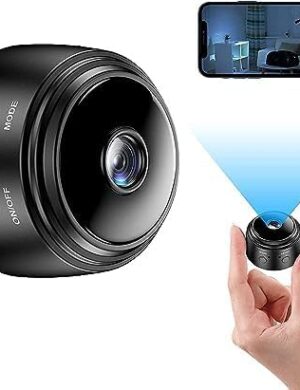
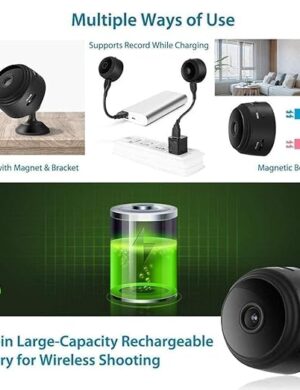
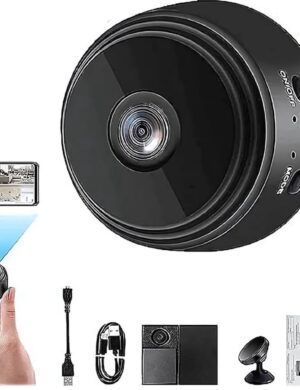
Magnetic Mini Camera Small 1080p Full HD Picture Quality Intelligent Indoor with Remote View Live Stream, Built-in Battery Night, Motion Detection Remote View Home Security Camera
Original price was: ₹2,999.₹899Current price is: ₹899. -
1080p Camera with Audio and Video Recording , Support 16GB or 32GB SD Card
Original price was: ₹4,999.₹1,799Current price is: ₹1,799. -
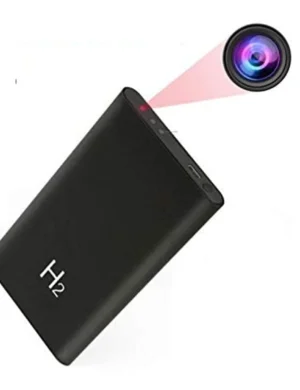
Hd Plus Camera Power Bank Full HD 1080P Charger Camera 5000mAh Portable H2 Power Bank
Original price was: ₹4,999.₹2,849Current price is: ₹2,849.
Reviews
There are no reviews yet.